Articles
All Articles
An Image Compression Workflow for Designers and Frontend Developers
Image compression should not depend on everyone manually guessing the right settings. Designers can use tools like TinyPNG, ImageOptim, XnConvert, and HandBrake for day-to-day work, while frontend teams use sharp and ffmpeg to generate consistent production assets.
July 2026 Free Mac Software Rankings: 15 Apps Windows Switchers Should Install First
FreeMac's July free Mac software rankings are here. This is not another generic app list. It explains which free tools Windows users should install first after switching to Mac, and which ones can wait.

pnpm in Practice: Installation, Migration, and Workspaces
pnpm is ideal for developers maintaining multiple frontend projects. It reuses dependencies through a global content-addressable store, reducing node_modules footprint, speeding up installs, and catching phantom dependency issues with stricter resolution.
AppCleaner: A Free Uninstaller That Is Enough to Replace CleanMyMac
CleanMyMac costs real money every year, but if all you want is a clean uninstall, AppCleaner does the same job for free. Most people simply do not need to pay for this.

What I Learned After 10 Months with Claude Code
From skills and hooks to MCP management, this article summarizes the most valuable configuration philosophy and practical tips after long-term use of Claude Code. Treat configuration as fine-tuning, not architectural engineering.
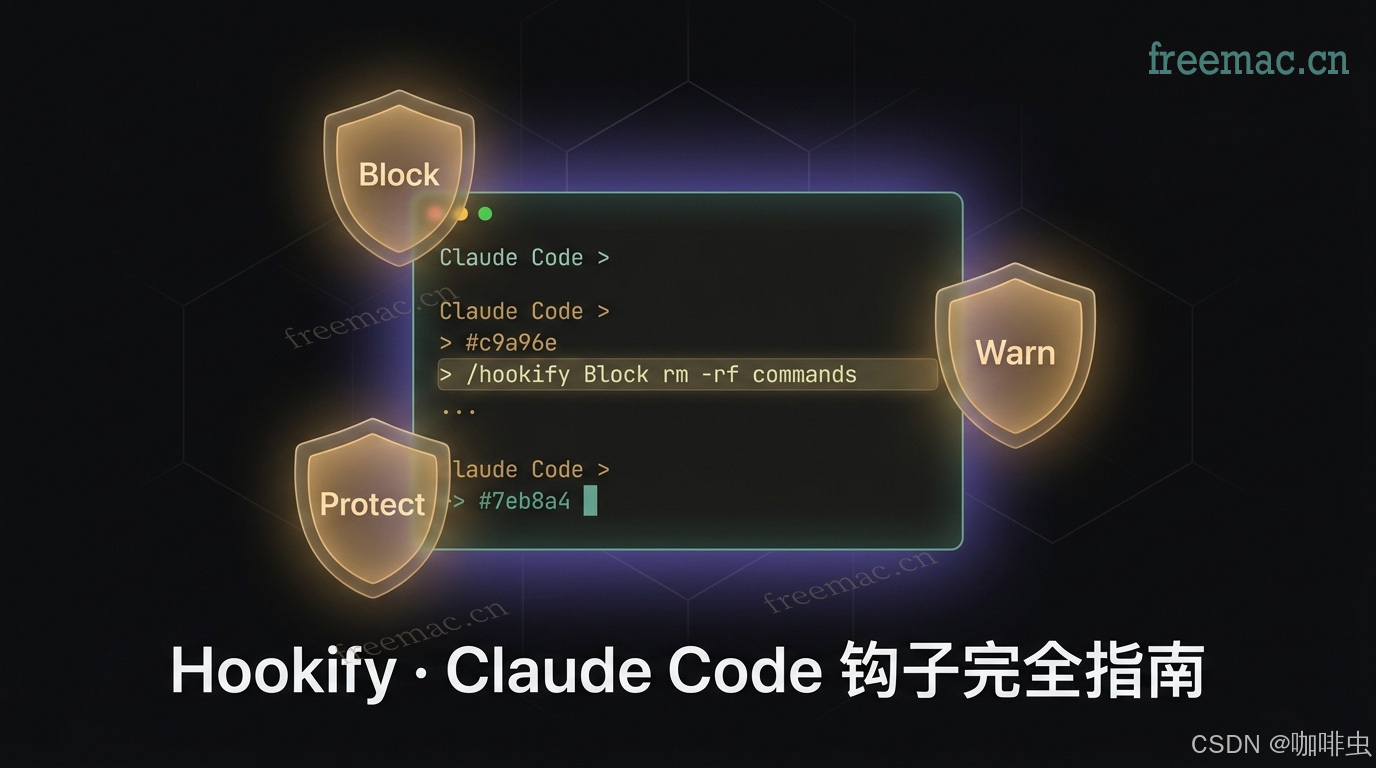
The Complete Hookify Guide: Generate Claude Code Hooks by Chat Instead of Handwriting JSON
Claude Code hooks are powerful, but configuring nested rules manually can be tedious. Hookify turns that into a conversation. This guide covers installation, the three core workflows, rule file structure, ten practical rules, debugging tips, and performance advice.
Switching from Windows to Mac? These 5 Problems Hit on Day One
Scroll direction feels backwards, there is no real Delete key, and copy-paste shortcuts changed. Every Windows user moving to Mac runs into these. Here is the fix for each one.
Git worktree: The Git Command That Made Me Use stash Much Less
Still bouncing between branches with stash plus checkout? This article explains what git worktree is, how it differs from clone, the commands you actually use, and a workflow that fits real daily development.
Claude + Chrome DevTools + MCP: A Complete Guide to Letting AI Operate the Browser
This guide explains how to connect Claude to the browser through MCP and chrome-devtools-mcp, so AI can inspect the DOM, run JavaScript, and debug pages directly from Chrome DevTools.
What Is Cron? A Practical Guide to This Time Language from Zero to Useful
Cron is the expression language behind scheduled tasks like cleanup jobs, reports, and cache syncs. This guide covers the two common formats, why NestJS needs six fields, the meaning of special symbols, and the expressions you actually use.
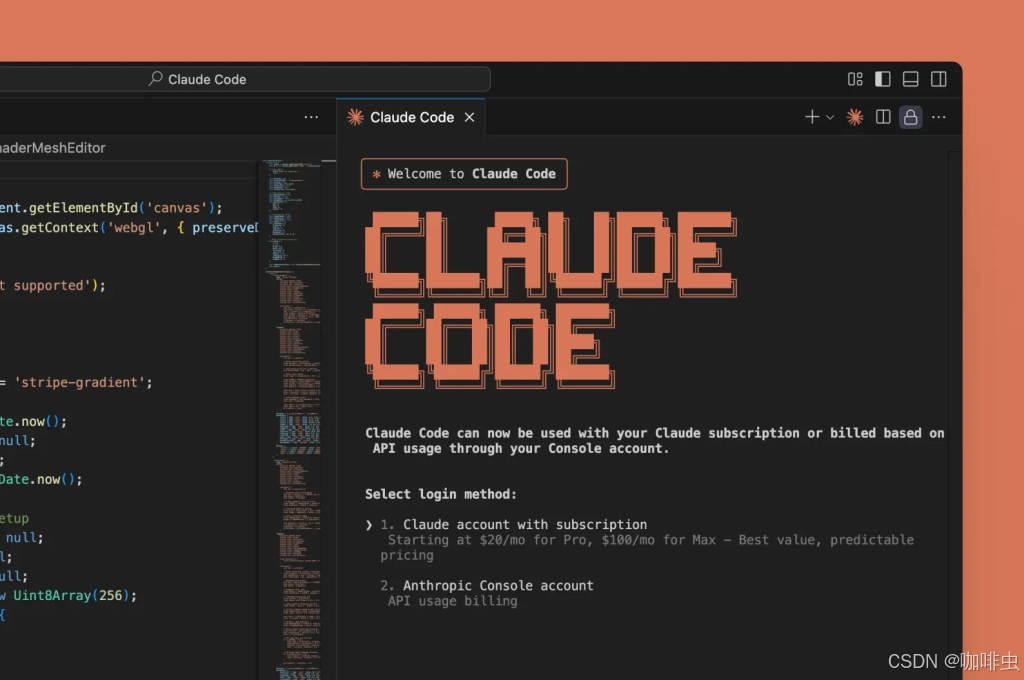
Why You Should Not Install Claude Code Globally: Official Best Practices and Proxy Setup
A global install of Claude Code feels convenient, but the official recommendation is to install it locally per project. This guide explains why, how to uninstall the global version, how to switch to a local install, and how to keep the same convenience with an alias and proxy configuration.
Fixing Hydration Failed Errors in React
Hydration errors happen when the HTML rendered on the server does not match the first render on the client. This article explains the most common causes and the practical fixes you can apply in React and Next.js projects.
Next.js Server Action Submission vs Client-side Fetch: Differences, Tradeoffs, and When to Use Each
When submitting data in Next.js, should you call an API from the client with `fetch`, or handle the form with a Server Action? This article compares how each approach works, their pros and cons, and when each one is the better fit.
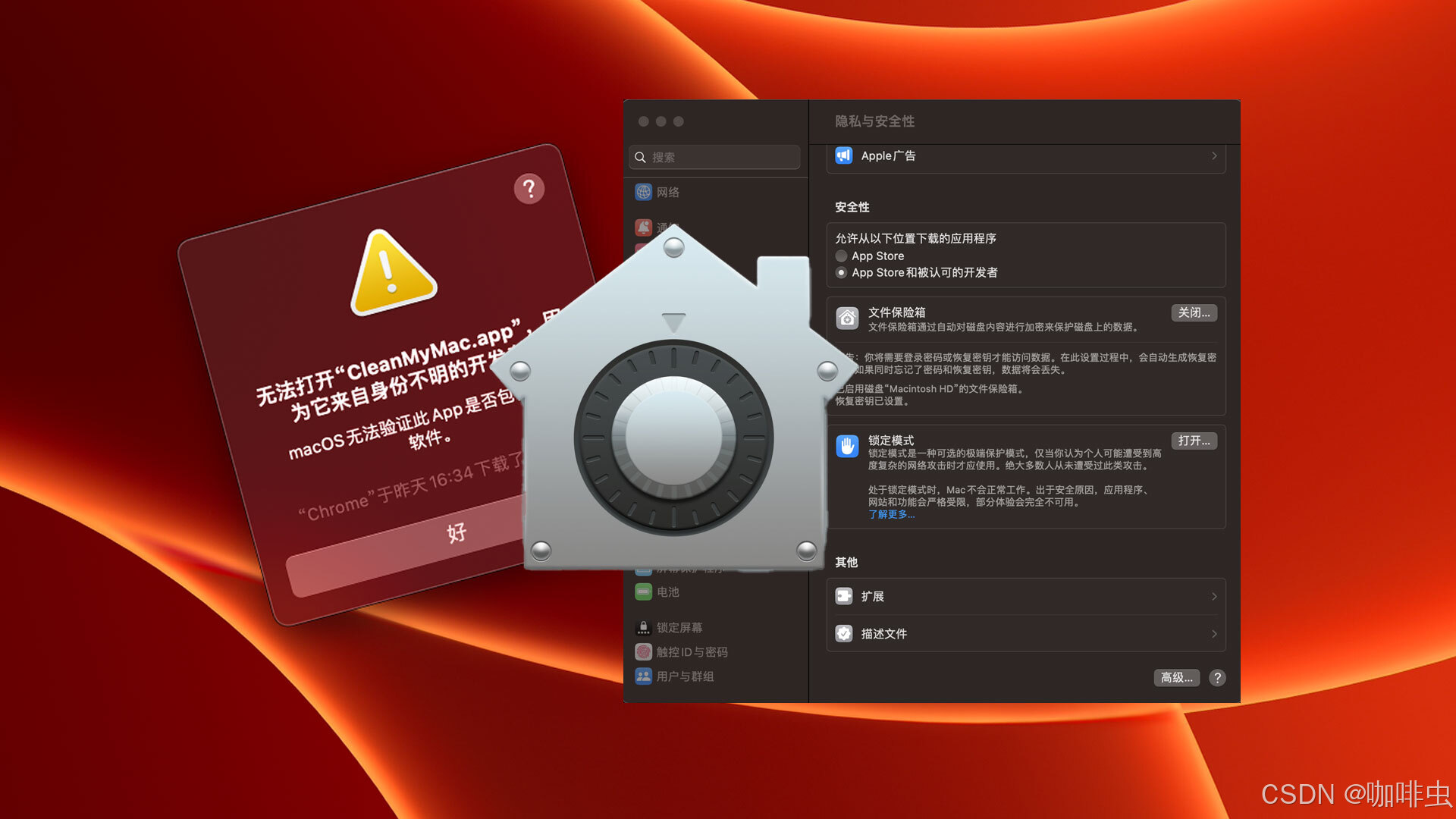
How to Unlock macOS Gatekeeper from the Command Line and Restore the Default Setting
Gatekeeper is a macOS security feature that blocks untrusted apps by default. This guide explains what it does, when you might temporarily disable it, the difference between `spctl --master-disable` and `--global-disable`, and how to turn it back on safely.
Homebrew Guide: A Package Manager for Developers and Everyday Users
Homebrew is a powerful package manager for macOS and Linux that makes installing, updating, and removing software much simpler. This guide covers the basics, GUI apps with Cask, service management, common commands, and a few practical troubleshooting tips.
Replacing npm with pnpm: A Complete Migration Guide
As projects grow, package manager choice matters more. This guide walks through how to move from npm to pnpm, what to delete, how to reinstall dependencies, when to use shamefully-hoist, and how to fix common migration issues.