FM/01Enough
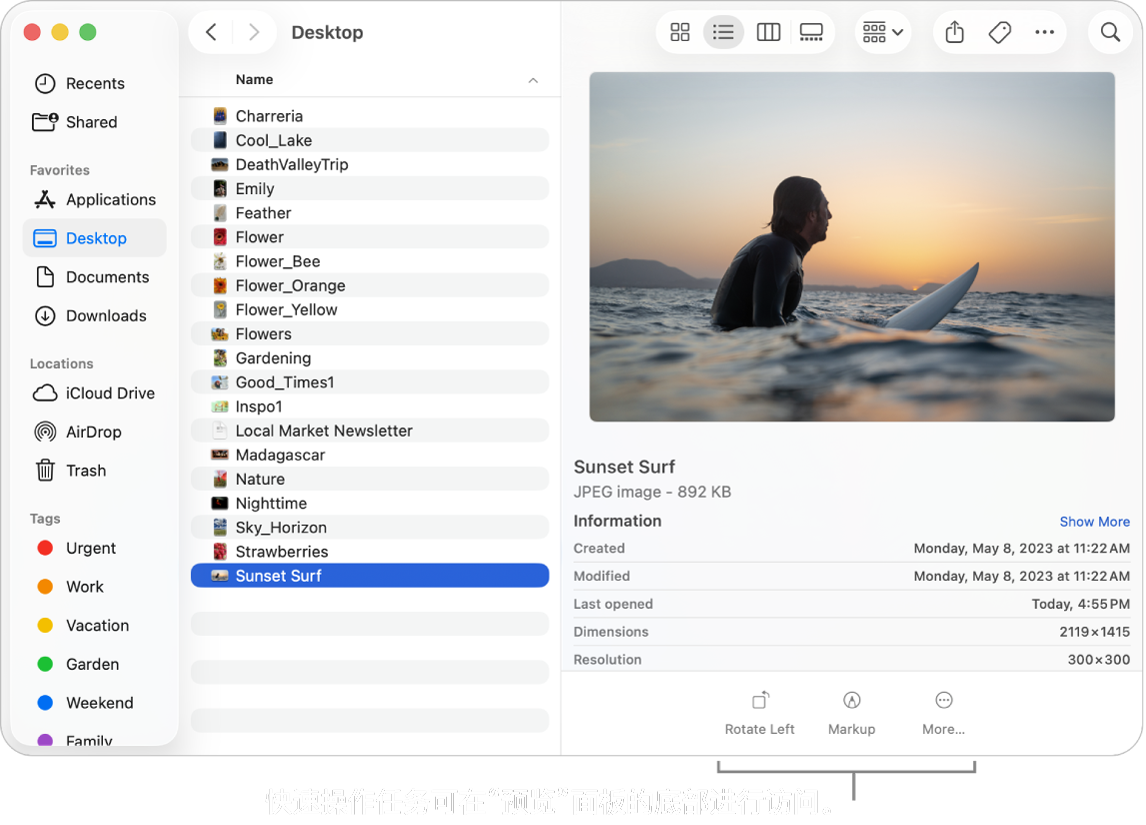
Preview
PDF work goes far beyond opening a file
Reading, annotating, signing, and combining PDFs do not require a separate PDF suite on a new Mac.
What macOS can do
- Highlight, underline, strike through, and add notes or shapes
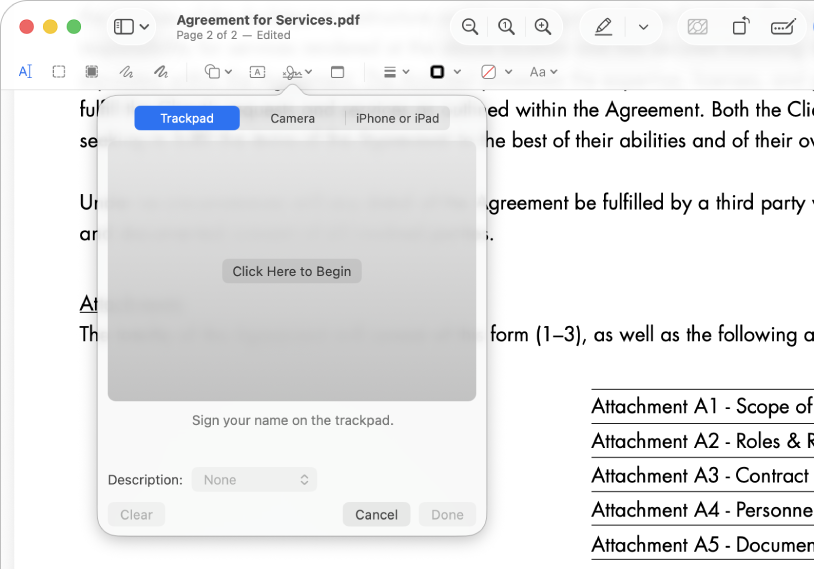
- Fill forms and create a signature with a trackpad, camera, iPhone, or iPad
- Combine PDFs and add, delete, rotate, or reorder pages
- Export, password-protect, and reduce the size of a PDF
Installation threshold
Install something else when you need batch OCR, paragraph-level text editing, complex form authoring, or high-volume automation.
FreeMac take
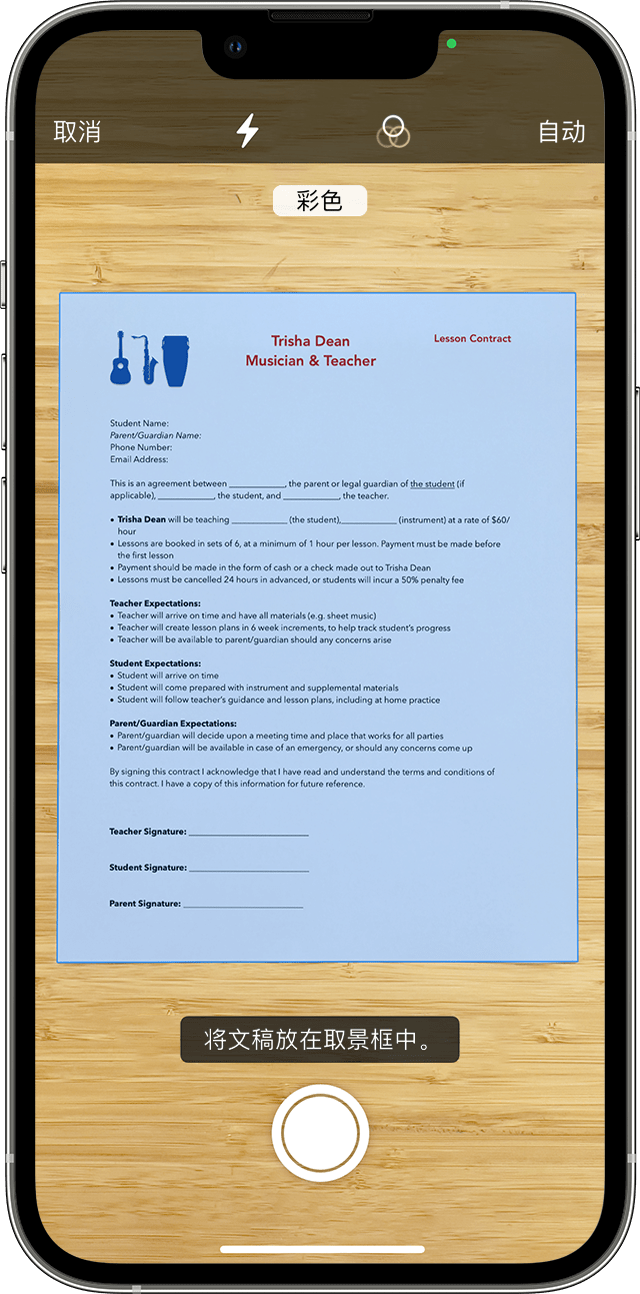
Apple Preview User Guide Run one real contract workflow in Preview first: open it, sign it, save a copy, and send it. Look for another app only when that workflow actually breaks.